“Cybersecurity Basics Every Internet User Must Know”
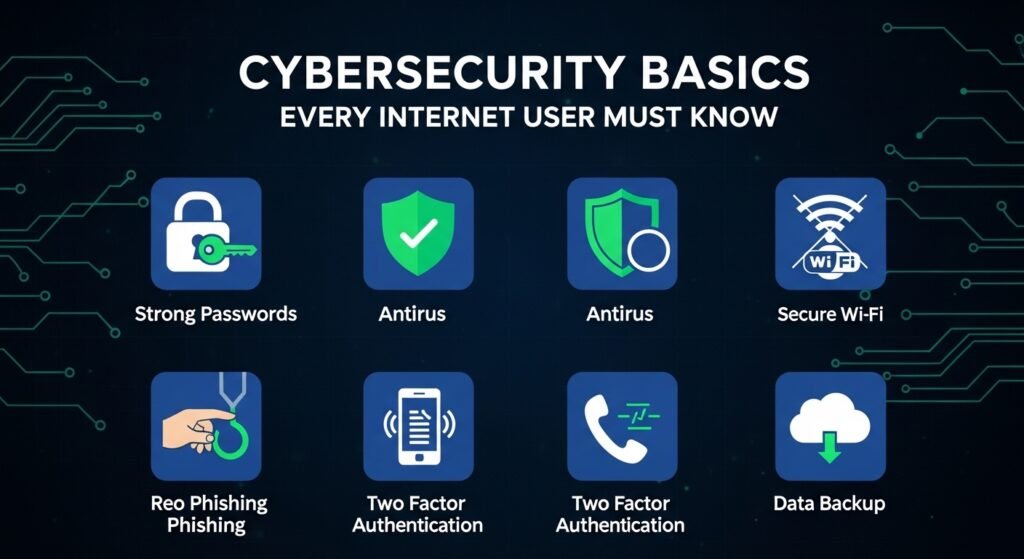
In today’s digital world, cybersecurity is more important than ever. From online banking to social media, every action you take online carries some level of risk. Cybercriminals are constantly finding new ways to steal personal information, commit fraud, or spread malware.
Understanding cybersecurity basics is essential for protecting your data, privacy, and online identity. This guide covers essential tips and strategies every internet user should know.
1. Use Strong and Unique Passwords
Passwords are the first line of defense against cyberattacks. Weak or reused passwords make it easy for hackers to access your accounts.
Best practices:
- Create complex passwords combining letters, numbers, and symbols.
- Avoid using personal information like birthdays or names.
- Use a unique password for each account.
- Consider a password manager to securely store and generate passwords.
Strong passwords significantly reduce the risk of unauthorized access.
2. Enable Two-Factor Authentication (2FA)
Two-factor authentication adds an extra layer of security to your accounts.
How it works:
- In addition to your password, you’ll need a verification code sent to your phone or email.
- Many apps and services, including Google, Facebook, and banking platforms, support 2FA.
2FA makes it harder for hackers to gain access even if they know your password.
3. Keep Software and Devices Updated
Software updates often include security patches that protect against vulnerabilities.
Tips:
- Enable automatic updates for your operating system, apps, and antivirus software.
- Avoid using outdated software that may have security flaws.
- Regularly check for updates on all devices, including phones, tablets, and computers.
Staying updated reduces the risk of cyberattacks exploiting known vulnerabilities.
4. Recognize Phishing Scams
Phishing is a common cyber threat where attackers trick you into sharing personal information.
How to protect yourself:
- Avoid clicking on suspicious links in emails, messages, or pop-ups.
- Verify the sender’s email address before responding.
- Never provide passwords, credit card information, or sensitive data without confirming legitimacy.
Being cautious helps prevent identity theft and financial loss.
5. Use Secure Wi-Fi and VPNs
Public Wi-Fi networks are convenient but can be insecure.
Tips:
- Avoid accessing sensitive accounts over public Wi-Fi.
- Use a Virtual Private Network (VPN) to encrypt your internet connection.
- Ensure your home Wi-Fi has a strong password and encryption enabled.
Secure connections protect your data from eavesdroppers and hackers.
6. Install Reliable Antivirus and Anti-Malware Software
Malware can damage devices, steal data, or track online activity.
How to stay protected:
- Install reputable antivirus software and keep it updated.
- Run regular scans for malware and suspicious activity.
- Avoid downloading files from untrusted sources or suspicious websites.
Antivirus software acts as a safety net against cyber threats.
7. Backup Your Data Regularly
Even with security measures, data can be lost due to malware or accidental deletion.
Best practices:
- Backup important files to external drives or cloud storage.
- Schedule automatic backups for consistency.
- Keep multiple backup copies in different locations if possible.
Regular backups ensure you can recover essential information in case of cyber incidents.
8. Protect Personal Information on Social Media
Oversharing personal information online can increase your risk of identity theft.
Tips:
- Limit the amount of personal data you share publicly.
- Adjust privacy settings on social media platforms.
- Avoid posting sensitive details like home address, phone number, or travel plans.
Being mindful of what you share reduces exposure to cyber threats.
9. Be Cautious with Downloads and Attachments
Malicious files are often disguised as harmless documents or apps.
How to protect yourself:
- Only download apps from official stores like Google Play or Apple App Store.
- Scan email attachments before opening them.
- Avoid pirated software, as it may contain malware.
Safe downloading habits prevent malware infections and data breaches.
10. Educate Yourself Continuously
Cybersecurity threats evolve constantly. Staying informed helps you adapt and protect yourself.
How to stay updated:
- Follow reputable cybersecurity blogs and news sources.
- Attend online courses or webinars on digital safety.
- Share knowledge with friends and family to promote safe internet practices.
Continuous learning strengthens your online defense and awareness.
Conclusion
Cybersecurity is no longer optional—it’s a necessity for every internet user. By using strong passwords, enabling 2FA, updating software, recognizing phishing, securing connections, installing antivirus, backing up data, protecting personal information, being cautious with downloads, and educating yourself, you can significantly reduce your risk of cyber threats.
Staying proactive about cybersecurity protects not only your personal data but also your peace of mind in the digital world.